Start with the documents you actually look for
When you need a personal document, the hard part is often remembering whether it arrived as an email attachment, a scan, a download, or a photo. A useful filing system gives each document one predictable place to land. You do not need to sort every old file before the system helps you; start with the documents you are most likely to need again.
Make a short list of categories that fit your life, such as identification, housing, transportation, work, education, household purchases, and personal records. If you have documents from your time in service, give them a category you can recognize without making it so broad that every file ends up there. Your folders should answer a simple question: “Where would I look for this first?”
Build a small folder structure
Create one main folder called Personal Documents, then add a handful of top-level folders based on your list. Within a busy folder, add subfolders only when they solve a real problem. For example, Housing might contain Lease, Utilities, and Maintenance. A folder with three files probably does not need another layer. Shallow folders are easier to browse, especially when you are using a phone.
Choose one location as your working home for these files, whether that is a folder on your computer or a storage service you already use. Keeping copies in several places without a plan can make it unclear which version is the latest. You can still keep backups, but treat those as backups rather than competing filing systems. If you share a device or storage account, check who can open the folders before adding private documents.
Name files for future-you
A name such as scan001 or document-final does not offer many clues six months later. Use a consistent pattern that includes the document type, a useful subject, and a date when the date matters. For example, Apartment_Lease_2025-03 or Vehicle_Insurance_Card_2025-01 is easier to recognize in a search. A year-month-day date format also helps files sort in chronological order.
Keep names brief and specific. You do not need to put an account number, full identification number, or other sensitive detail in a filename just to make it searchable. For documents that change, such as a résumé, include a version date or an unmistakable label like Current. When you replace an old version, move it to an Archive subfolder if you need to keep it, rather than leaving two files that both appear current.
Handle scans, photos, and downloads as they arrive
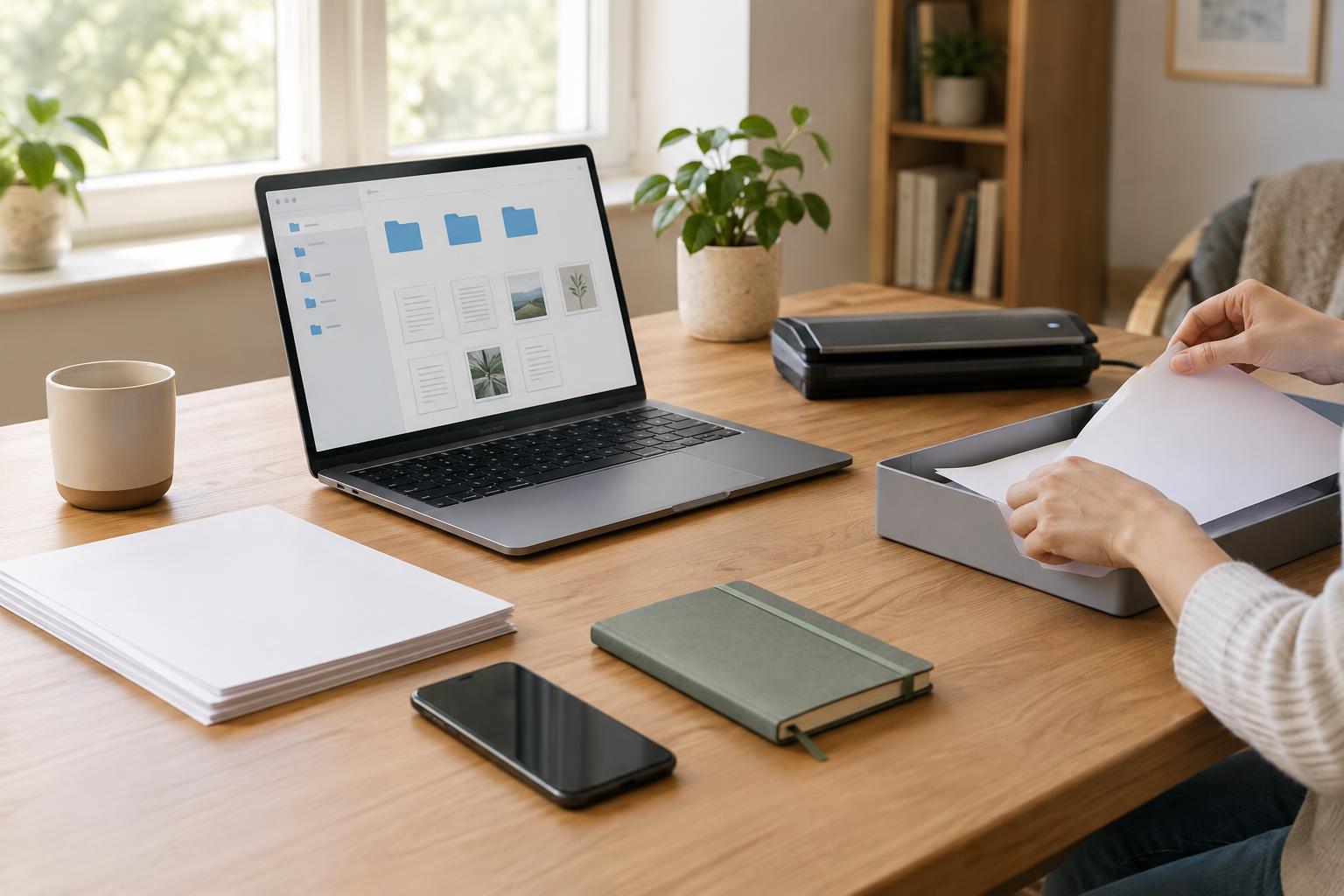
Set up an Inbox folder for files you have saved but not sorted. When you download a form or photograph a paper document, put it there until you can rename and file it. This gives loose files a temporary home without forcing you to make an organizing decision at an inconvenient moment. A recurring ten-minute check is often more manageable than a large cleanup after months of downloads.
Before filing a scan or photo, open it and make sure the whole page is visible, the text can be read, and any needed reverse side is included. Then give it a descriptive name and move it out of Inbox. If a document arrived by email, you may want to save the attachment to your filing system rather than relying on a search through old messages. Keep the original paper when it is important to your situation; a digital copy is not always a substitute.
Protect the system and practice finding a file
Personal documents may contain addresses, identifying details, or financial information. Use a device lock, strong account passwords, and available account security features. Back up your files in a way you can maintain, such as an automatic backup plus a separate copy you update periodically. Check that you can open a backed-up file; a backup is most helpful when you know how to retrieve it.
Finally, test the system as if you needed something in a hurry. Can you find your current résumé, a housing document, or a vehicle record without guessing which app holds it? If not, adjust the folder name or filename that slowed you down. A practical system is not one that looks perfectly tidy. It is one you understand, can maintain in small steps, and can use when a document matters.